
Speed Networking · Coming soonMeet everyone in the room, a few minutes at a time.
Neegma pairs your guests for short chats, tells each phone who to find, and deals question cards so nobody runs out of things to say. One clock runs the room, and nobody meets the same person twice while someone new is free.
Speed Networking is in testing with our team and coming soon. Book a demo to see it in action, or start a live session today.
Planning an event? Read the Event Playbook
Step 1 of 4
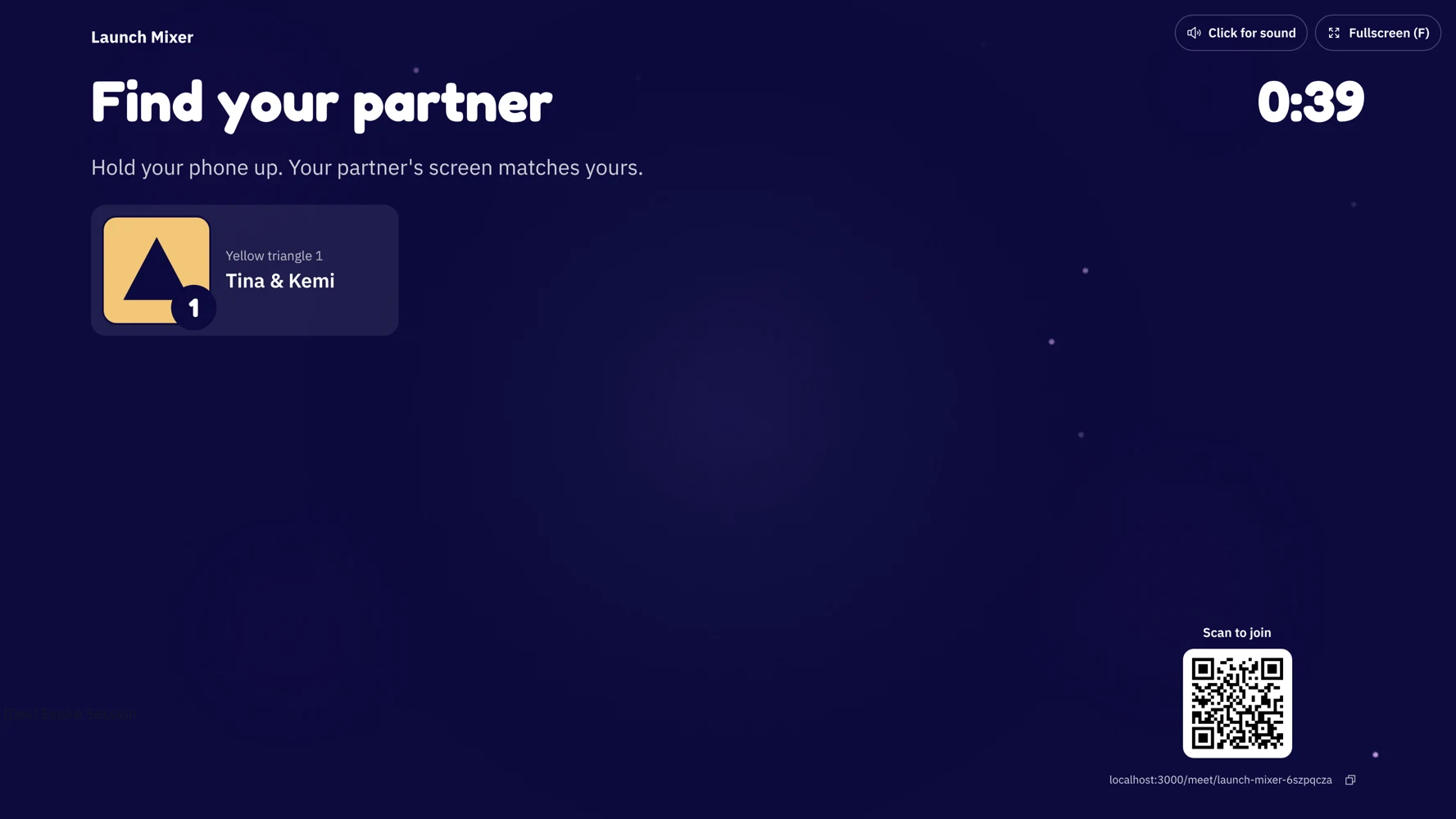
Everyone joins from their phone
Guests scan the QR code on the big screen, type their name and add a line to be spotted by, like a yellow jacket. No app and no account.
Each person can make a face for the big screen. Late arrivals join straight into the next chat, so you can start when most of the room is in.
Step 2 of 4
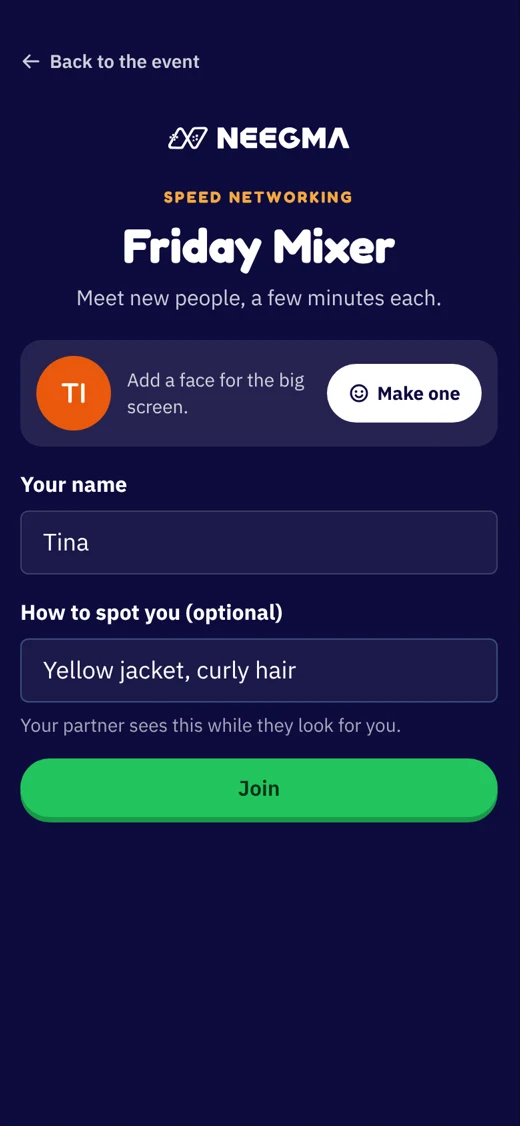
Find your partner by colour and shape
When a chat starts, each phone turns a colour with a shape and a number. Your partner's screen looks exactly the same, so you hold your phone up and find each other.
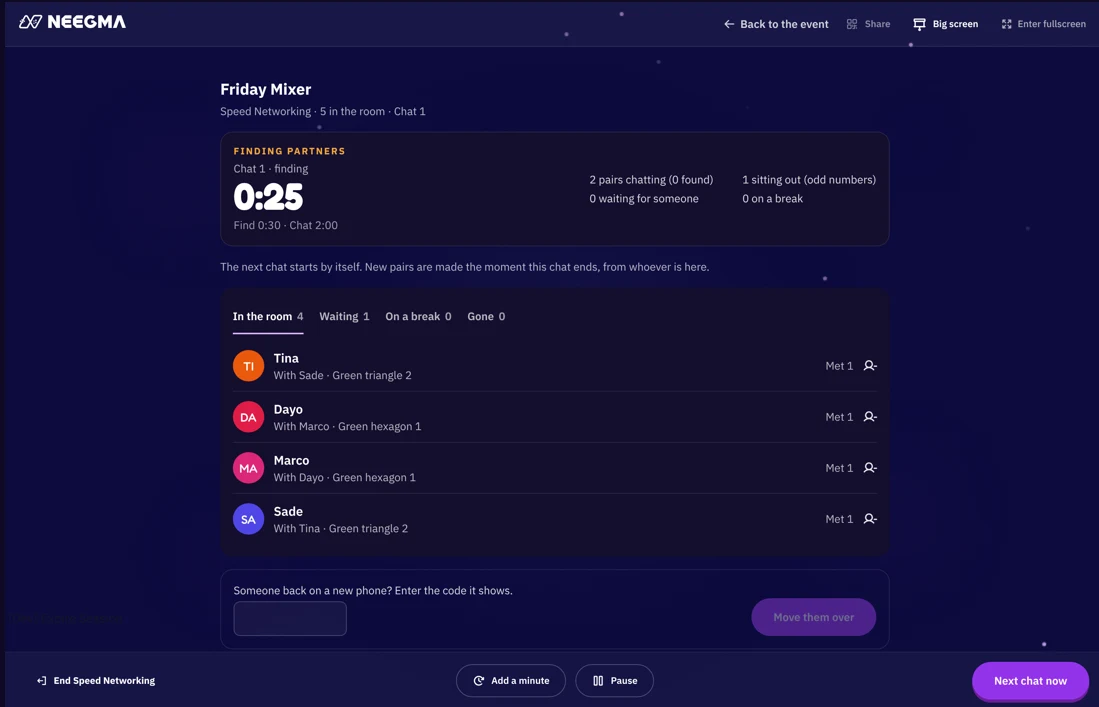
The big screen lists every pair and counts down the time to find each other. Can't find someone? Your phone offers someone else who is free.
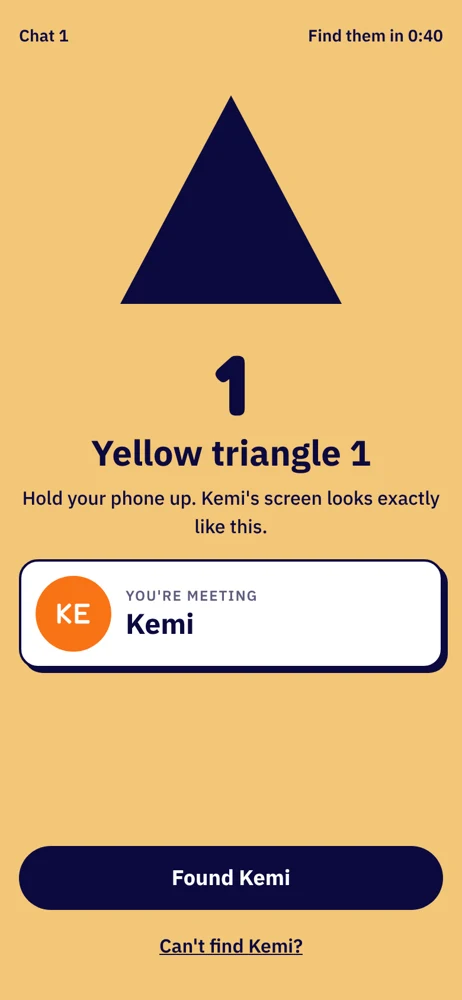
The room sees the pairs
Put the big screen on a TV or projector. It shows each pair's colour and shape, the clock, and the QR code for anyone still arriving.
Step 3 of 4
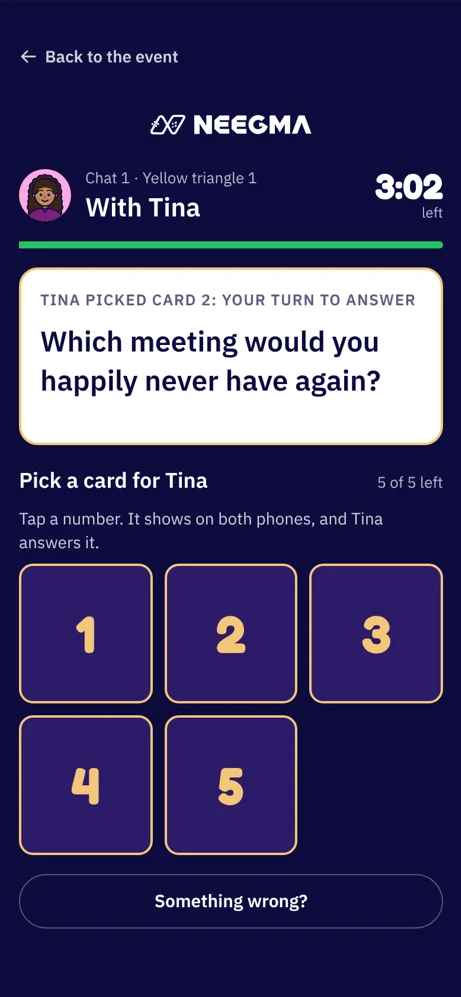
Chat with question cards
Take turns tapping a numbered card. The question shows on both phones and your partner answers it, so there is always something to talk about.
Use our starter sets or write your own, by hand or with AI. When time is up, the next chat pairs everyone again, never with someone they have already met while someone new is free.
Odd numbers?. One person sits the chat out and goes first in the next one.
Rather not?. Anyone can ask privately not to be paired with someone again.
Step 4 of 4
Run the room from one screen
Your host screen shows who is in, who is chatting, waiting or on a break, and how long is left.
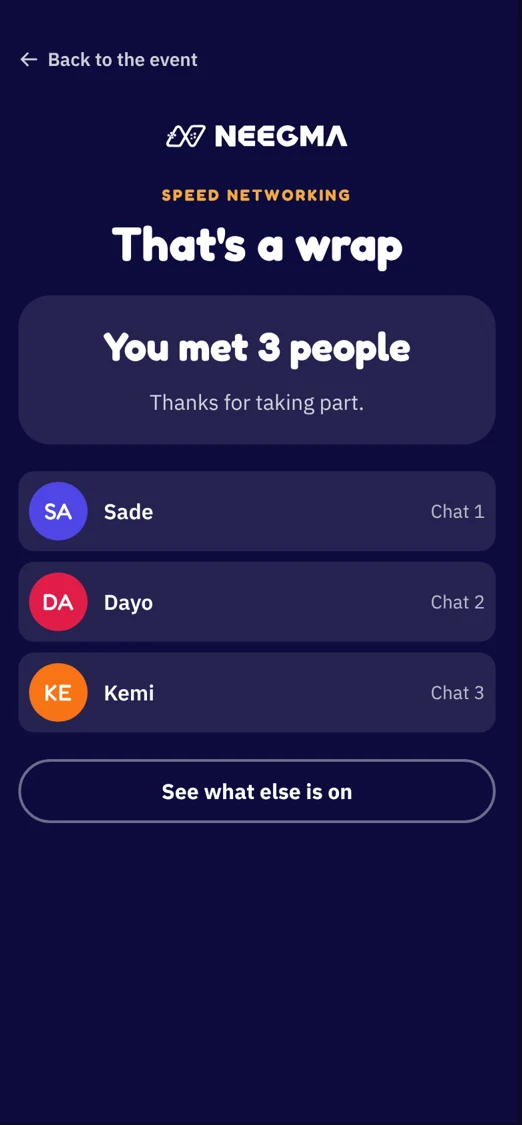
Add a minute, pause, or move to the next chat early. At the end, everyone's phone lists who they met.
Everyone leaves with a list
The last screen on every phone shows the people they met, in order, so following up after the event is easy.
Questions
Good to know
In testing with our team
Speed Networking is built and in testing. Book a demo to see it, and we will let you know when it opens to everyone.
Made for mixers and meetups
Conference breaks, onboarding days, alumni nights, community meetups and singles events: anywhere people came to meet each other.
Your own questions
Write a set of question cards for your crowd, or start from one of our sets and edit it.
Part of your event
A Speed Networking room sits on your event's link next to your sessions, Challenges, Q&A and raffles.
Experiences
Everything your event needs, on one link
Mix game shows with a Challenge, a Q&A and a prize draw. Guests find them all on your event's page.
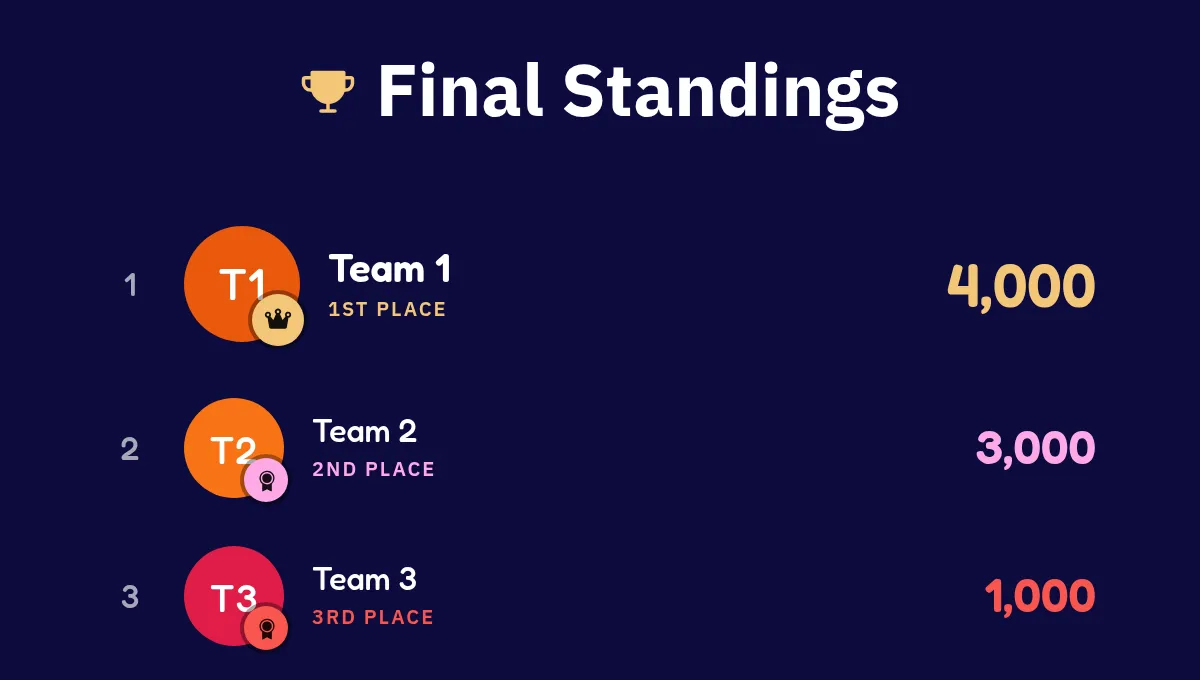
Live sessions
AvailableGame shows everyone plays from their own phone, with a live scoreboard.
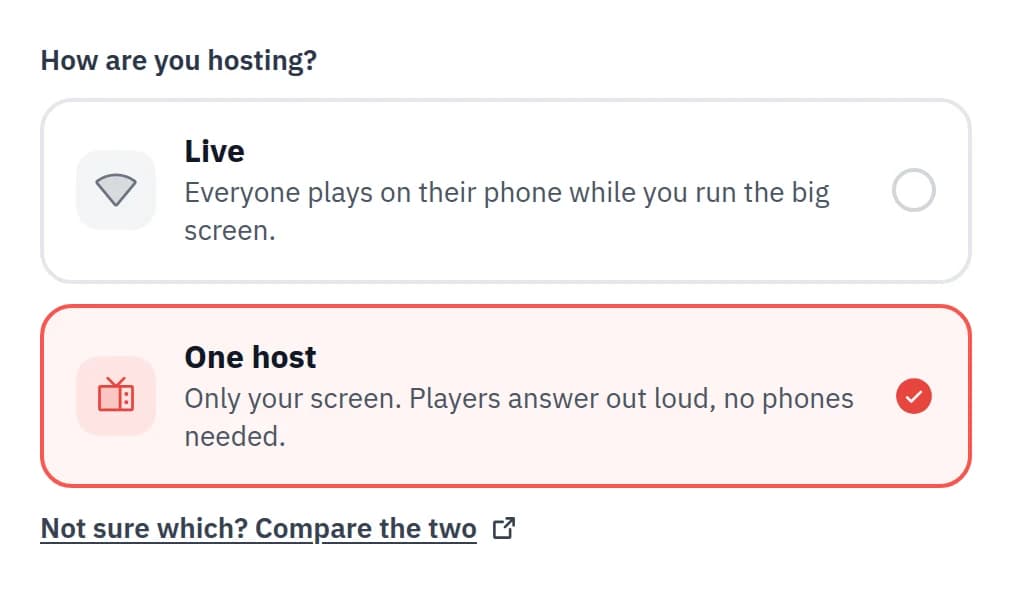
One-host sessions
AvailableRun the whole game show from one screen. No phones needed.
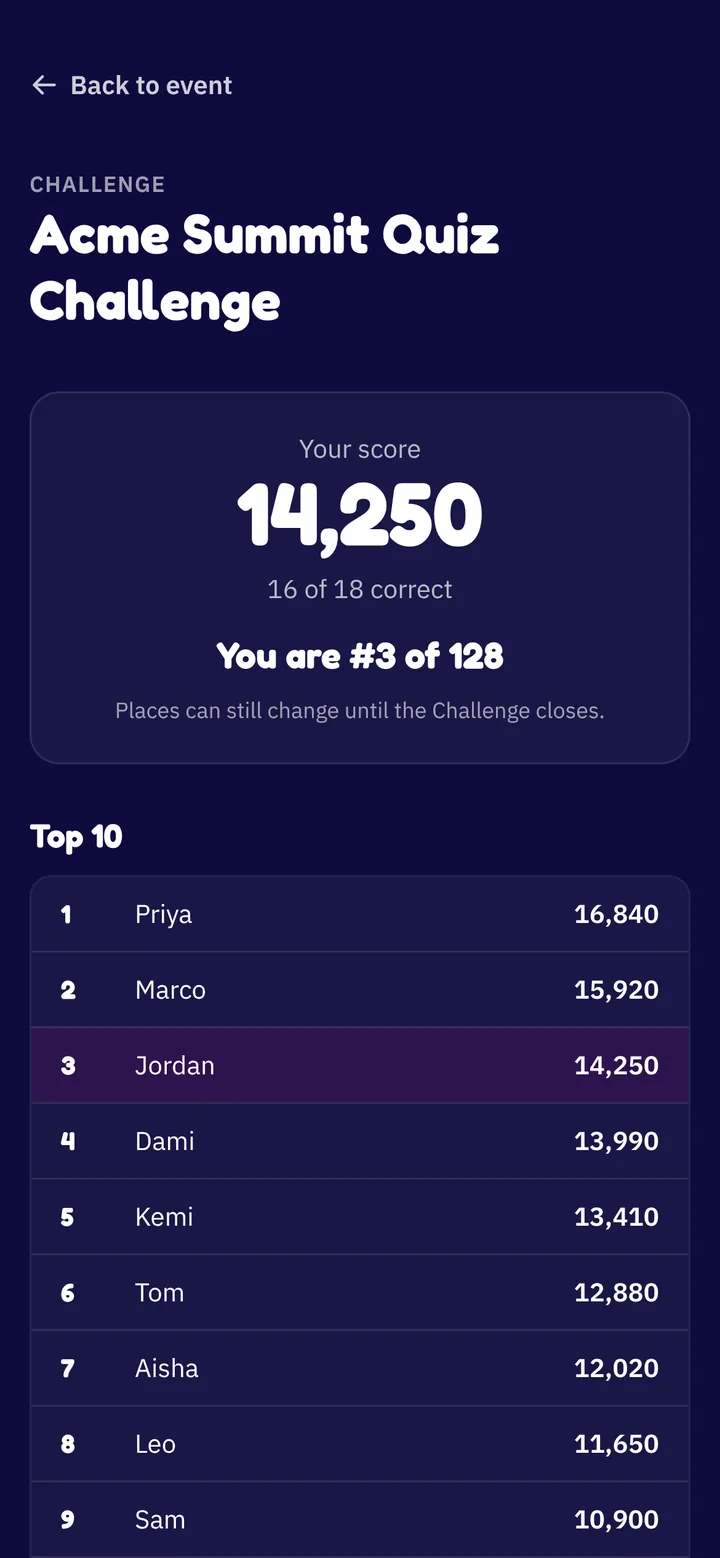
Challenge
AvailableA quiz people play in their own time, with a leaderboard that stays up.
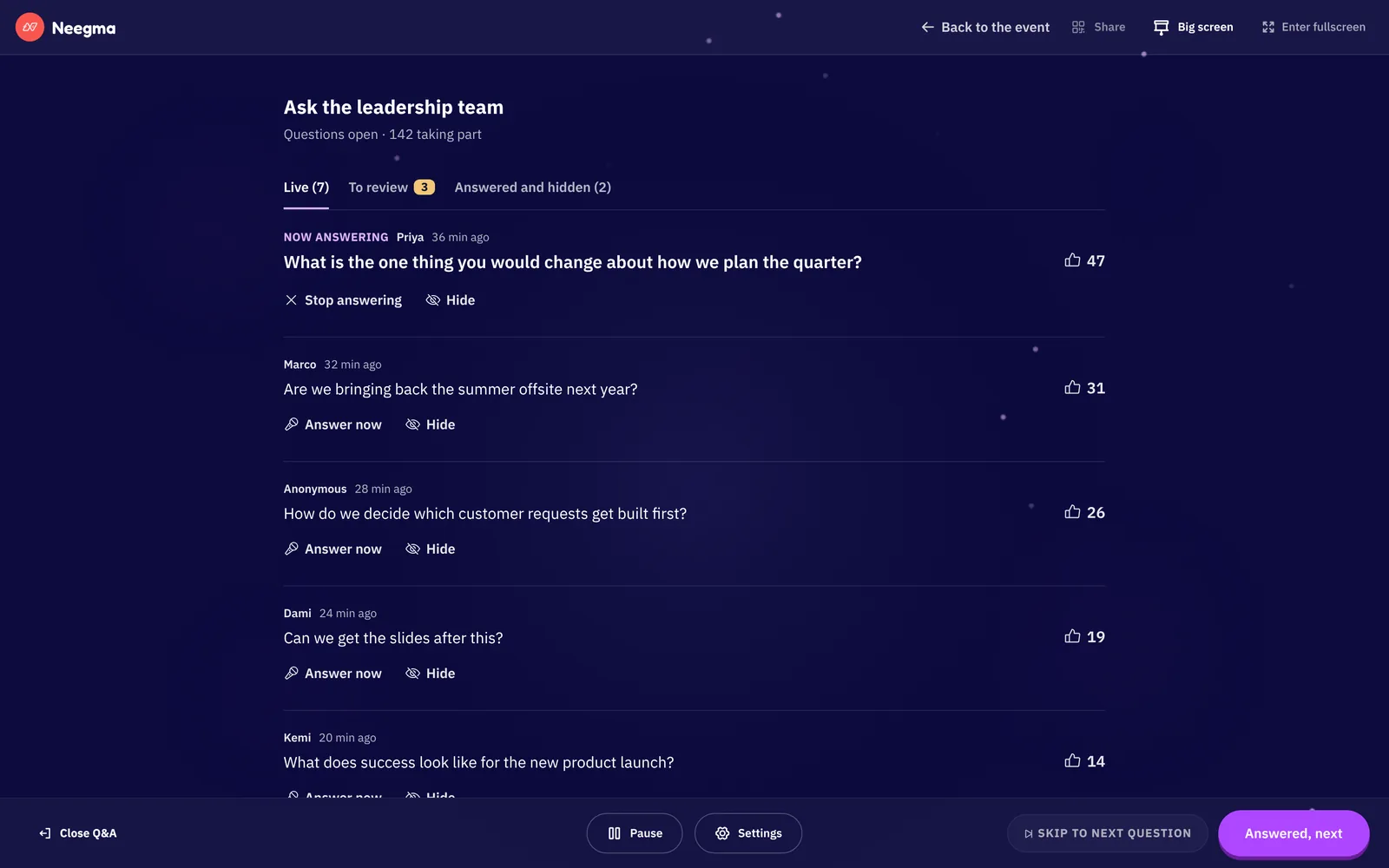
Live Q&A
AvailableQuestions and upvotes from every phone, moderated by you.
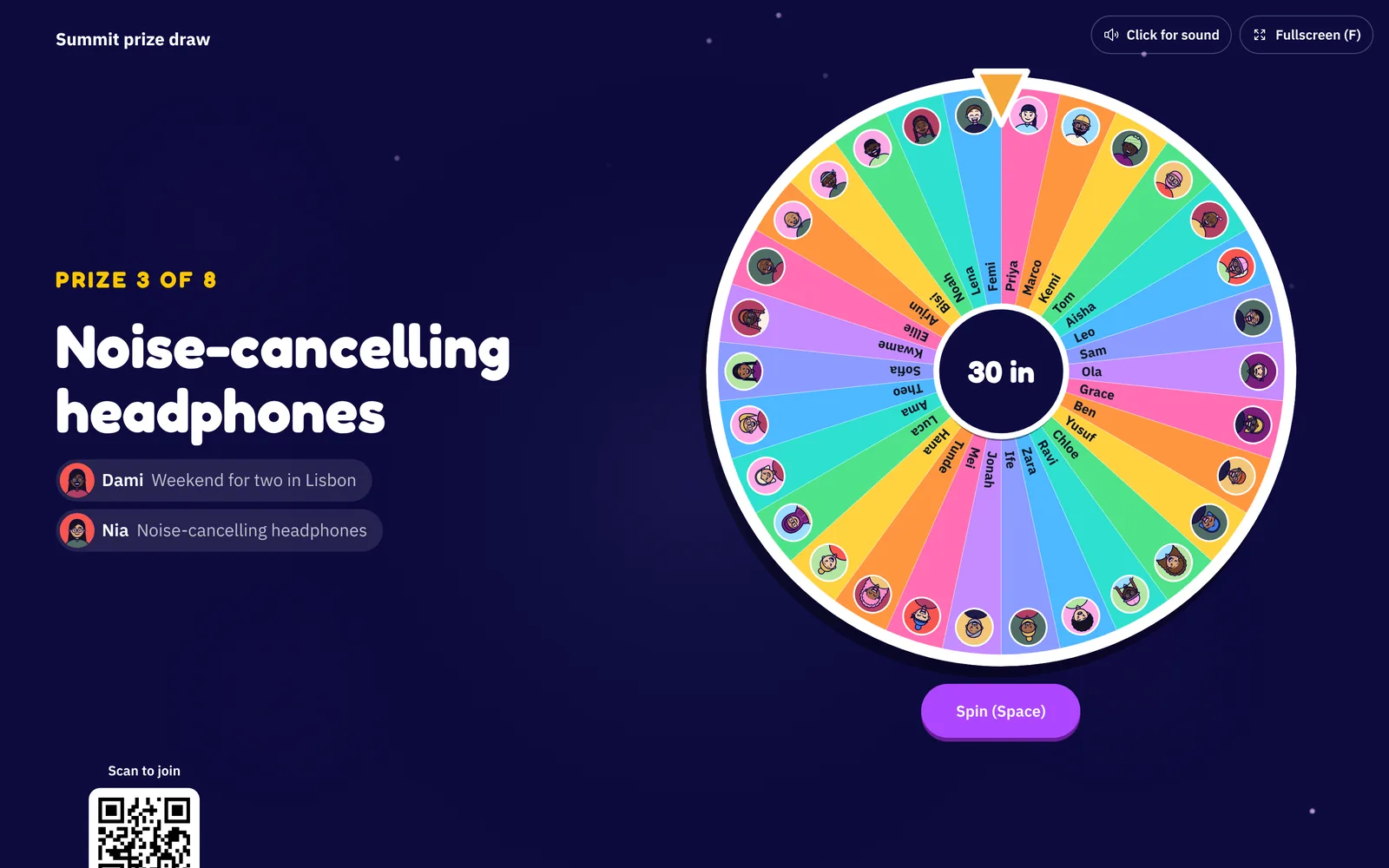
Raffle
AvailablePrize draws on the big screen, or spin to win on every phone.
Speed Networking
You are hereShort chats with everyone in the room, with question cards to break the ice.
The Event Playbook
8 steps to a great Neegma event
Create and schedule your event, share a QR poster, and keep every guest playing.