
Your event starts before the doors open.
Open a quiz Challenge a week before your event and let registered guests compete from their phones. They arrive already talking about the leaderboard, and you crown the winners on stage.
Read the Event Playbook- Opens days before the event
- Shared in your confirmation email
- Played on phones, no app
- Winners crowned on stage
- One link for the whole event
Pre-event Challenge
Closes in 2 days
Live
Top of 140 players
- 1Kemi45012,480
- 2Jordan30012,010
- 3Sofia11,760
- 4Dan11,230
Between sign-up and the day, nothing happens.
People register weeks ahead, get a confirmation email and forget about you. On the day, a share of them don't turn up, and the ones who do walk in cold, knowing nobody.
Reminder emails get opened less each time. There is nothing for guests to do until the event starts.
The old way
- Reminder emails that go unopened
- A room of strangers at the start
- The first half hour spent warming people up
- Game Type
- Details
- 3Questions
Summit warm-up quiz
Unscramble
Add questions
Write your own, generate them with AI, or upload a spreadsheet. You can combine all three.
Create with AI
Describe a topic and let AI draft the questions.
Topic or brief
Questions about our speakers, the venue and last year's summit
Generate 4 questionsPreview
4 generated
1.kpasere
Answer: speaker
2.mimsut
Answer: summit
3.yeknoet
Answer: keynote
4.elpan
Answer: panel
Give guests something to play while they wait.
Add a Challenge to your event on a Business account, set it to open up to a week before and close as the doors open, and put its link in your confirmation email and social posts. Guests play its quizzes on their phone whenever suits them, each with a shuffled draw from your question set, and faster right answers score more.
The leaderboard is a reason to check back and a reason to turn up. On the day, put it on the big screen, call the top three on stage, and every winner gets an email to confirm it's them.
Three things to send before the day.
On a Business account everything sits on your event's link, so guests use one QR code from the first email to the last session.
Open a Challenge
Choose when it opens and closes, and how many questions each quiz takes from your set.
Share the link
Put the event link in your confirmation email, your calendar invite and your socials. Guests who scan a scheduled session early see a countdown.
Finish on stage
Show the final leaderboard on the big screen and run a live round as the opener, with the same question sets.
The warm-up and the main event, on one link.
On a Business account, one event holds them all, and its page shows guests what's open now at the top.
A scheduled live session
Schedule the opener ahead and share its poster with the QR code and start time.
Live Q&A before the panel
Add a Live Q&A to the event and guests can send and upvote questions before anyone takes the stage.
Speed Networking on the day
Guests who met on the leaderboard meet in person, paired for short chats with question cards.
A raffle to close
Draw prizes live on the big screen, or let every guest spin to win on their phone.
Sized for your guest list.
On a Business account a Challenge stays open for up to 7 days, long enough for guests to compete all week before the event. Free takes up to 10 guests, and an Event Pass sizes one event for up to 2,000 attendees. On a Personal account a Challenge closes within 24 hours, so it suits a warm-up on the day itself, and a Party plan covers that one event for up to 200 guests.
Free
Great for trying it out or small family nights.
- Up to 10 players
- 5 events/month
- 90 min sessions
Party Plan
Pay once. Play all day. Perfect for parties and events.
- Up to 50 guests, or 200 with Party Max
- Full access for 24 hours of one event
- Unlimited games & sessions
- Advanced game settings
Pro
For hosts who run sessions every week.
- Up to 100 players
- Always-on monthly access, cancel anytime
- Analytics & data
- Priority support
Contact Us
Built for companies running events at scale.
- 100+ players
- Custom requirements
- Dedicated support
Free
Build your event and try every experience before you pay.
- 2 experiences per event
- Up to 10 guests in each
- Switching to Business is free
Event Pass
One event, sized by how many people attend.
- 100, 200, 500 or 2,000 attendees
- One event for 7 days
- Unlimited experiences in that event
- Answer Breakdown for quizzes
Business Pro
For teams that run events all year.
- Up to 200 players per game session
- 500 in each Challenge, Q&A, raffle or Bingo
- Every event, all year
- Priority support
Contact Us
Built for companies running events at scale.
- More than 2,000 attendees
- Custom requirements
- Dedicated support
More ways to bring the room together
Add any of these to your event, and guests join from their phones with no app. On a Business account they share one event link with your games. They work on every plan, including Free for up to 10 guests.
Challenge
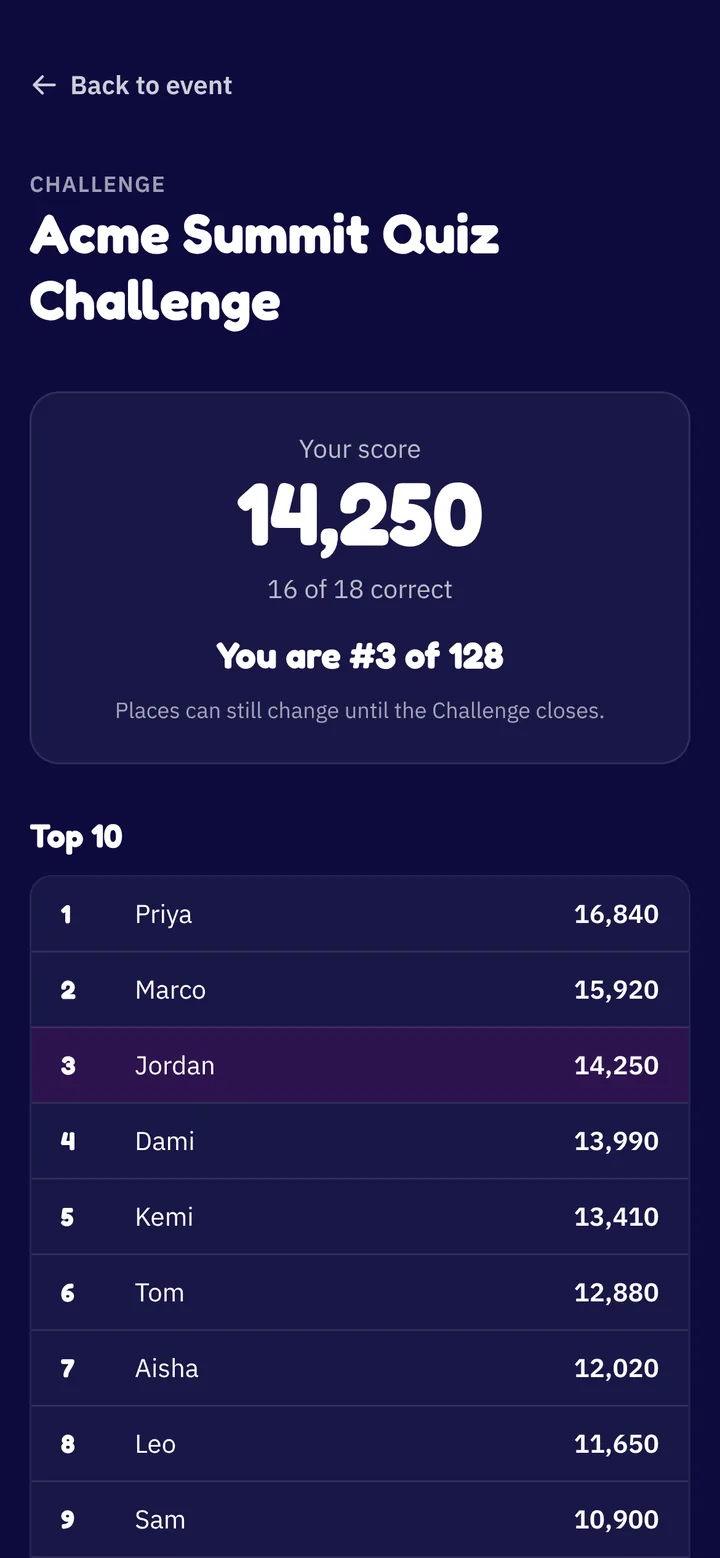
Opens before the event and closes as the doors open, with a leaderboard to crown on stage.
Explore Challenge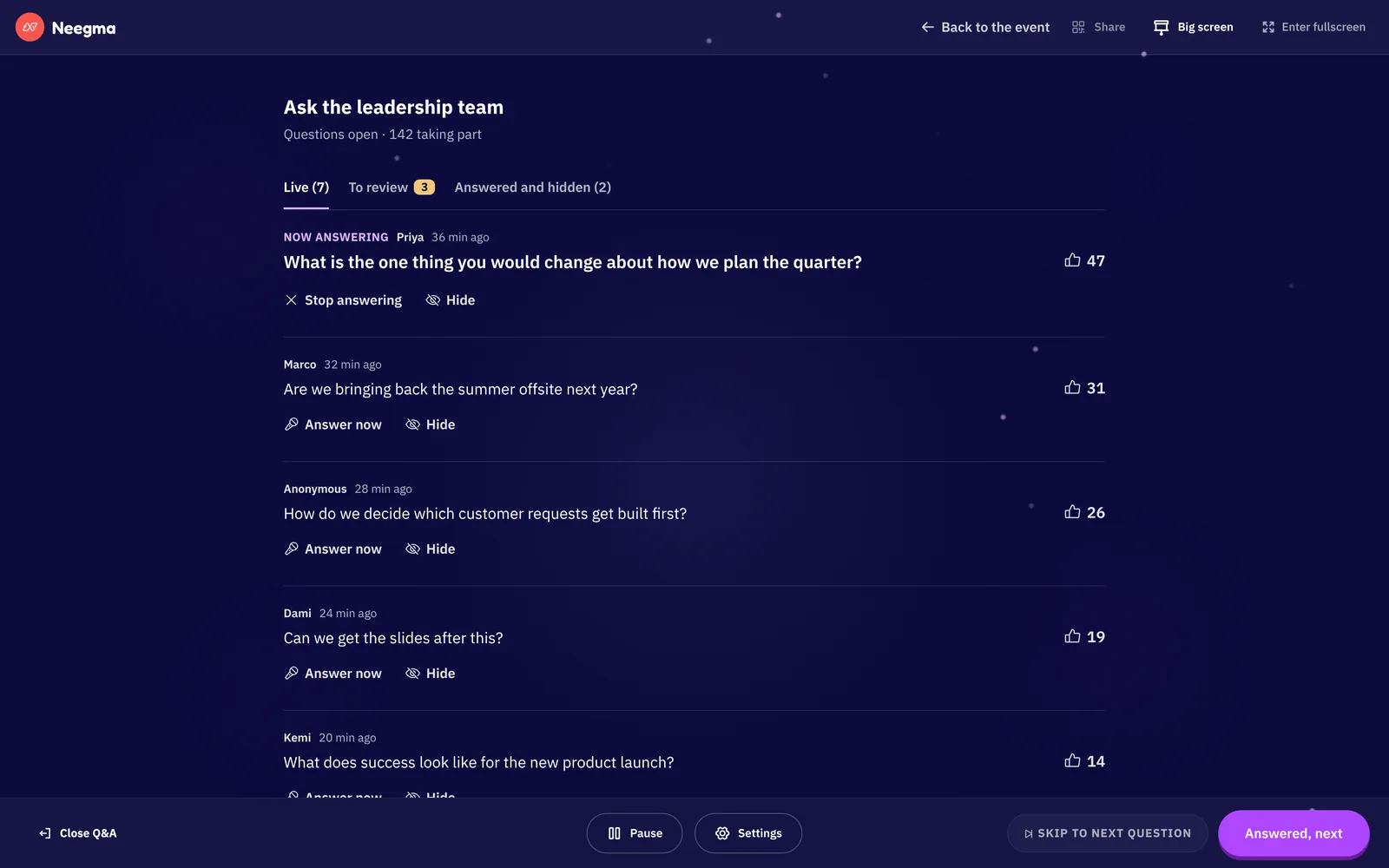
Live Q&A
Collect and upvote questions for the panel before anyone takes the stage.
Explore Live Q&A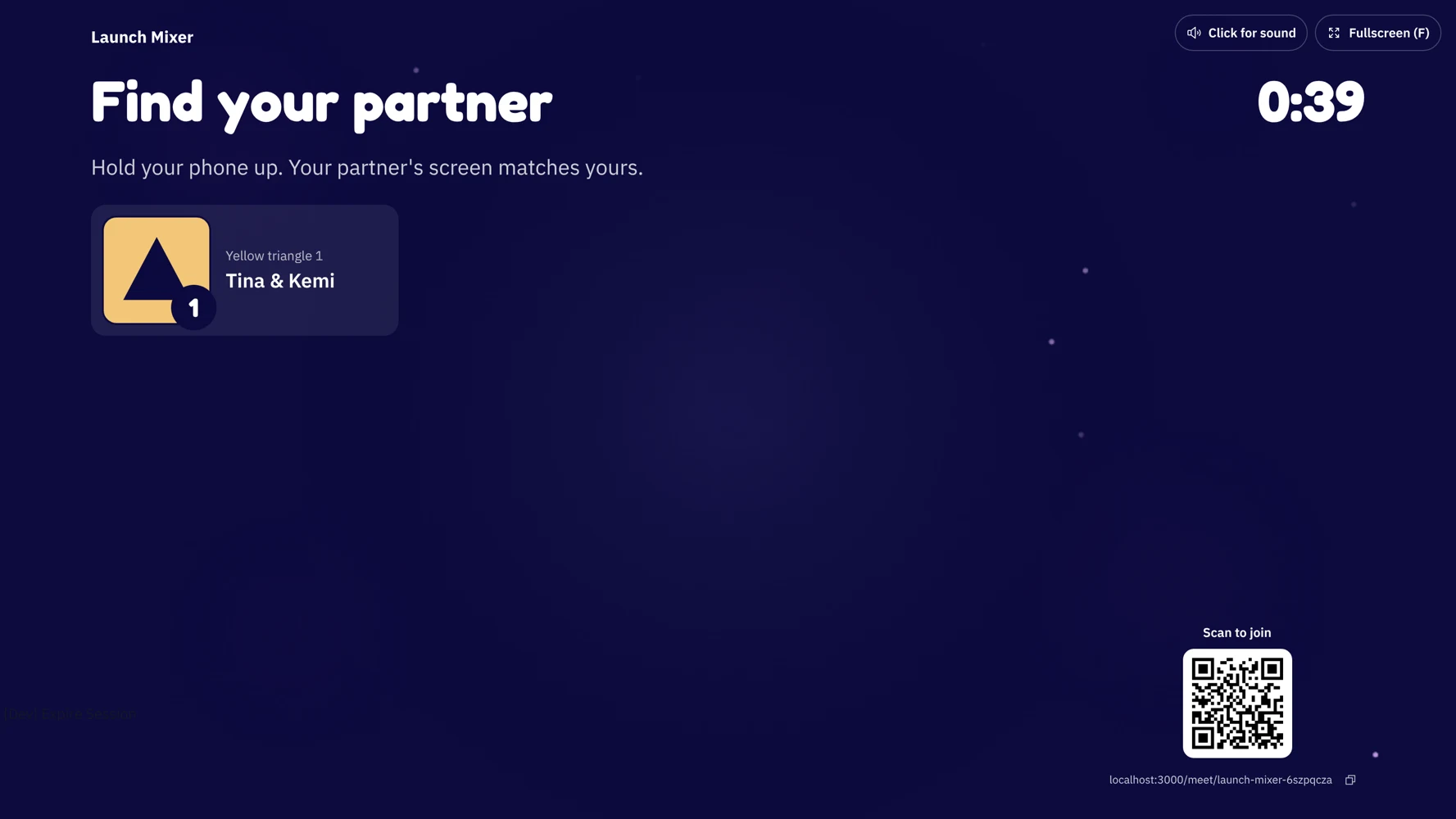
Speed Networking
Guests who met on the leaderboard meet in person, paired for short chats.
Explore Speed Networking
Questions hosts ask before the day
What is a pre-event competition?
When should it open and close?
How do guests find it?
How do we show the results on the day?
Can guests send questions for the speakers in advance?
Can people who play remotely join in?
Plan it with a practical guide.
Game ideas, ready-made choices and advice for hosting your next gathering.
Games people play in their own time
Quizzes and leaderboards that work across days and time zones.
Live Q&A for events
Collect, upvote and moderate audience questions from every phone.
How to run speed networking at an event
Pair everyone for short chats, with question cards and one clock for the room.
Start the event a week early.
Open a Challenge, share the link, and let guests arrive already competing.
Read the Event Playbook